Expert Group - BI
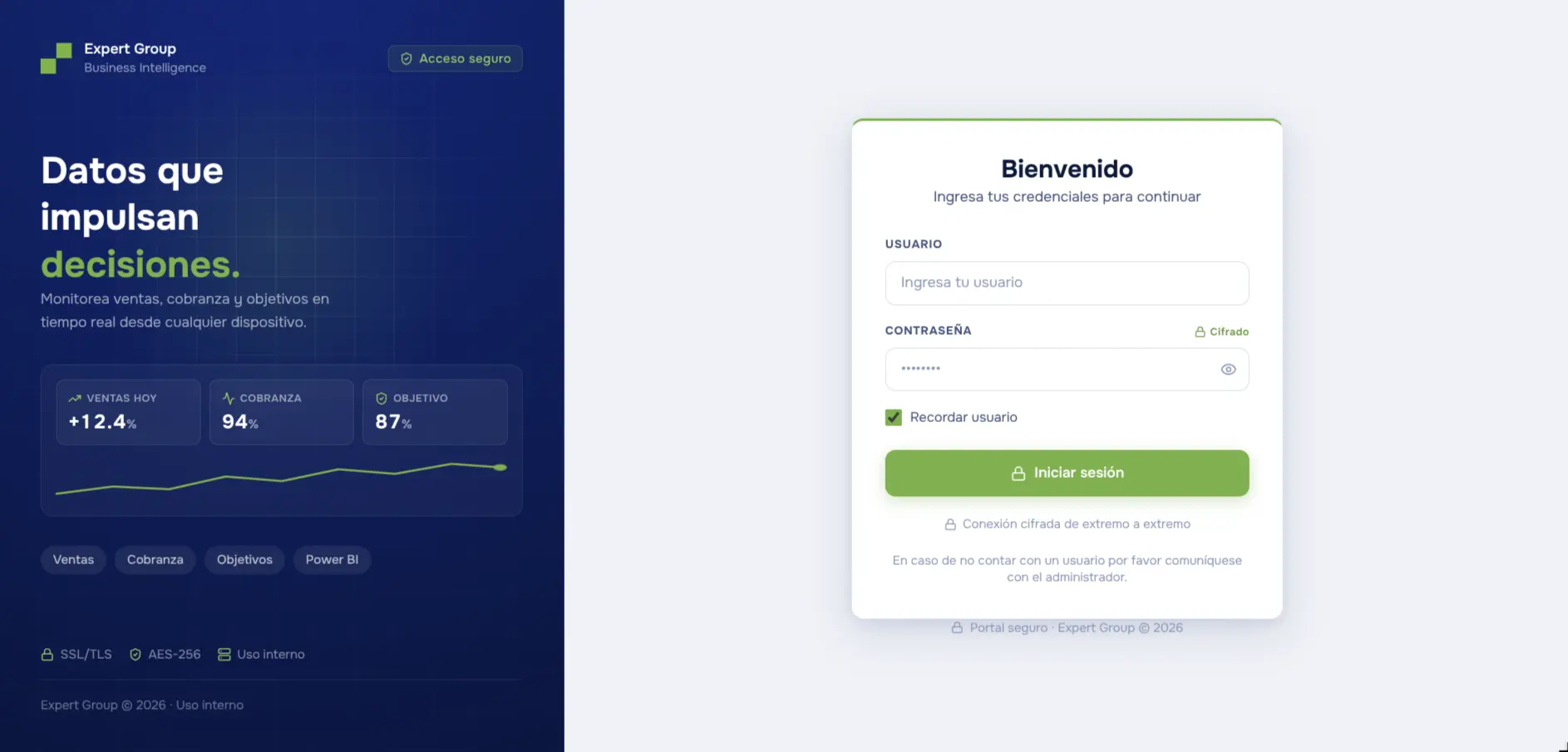
Scaling the group's BI to 30+ users, each seeing only their own slice, was impossible on licensing alone. I built the web platform that replaced Power BI: per-user granular permissions at a fixed cost.
- Areas
- Business Intelligence · Frontend · Backend
- Technologies
- Next.js
- SQL Server
- Claude APIs
01How I spotted the opportunity
The group's owner asked for something easy to say and expensive to deliver: give all 30+ users access to the report, and make each one see only what they're supposed to see. The data was already unified — the source databases were scattered and I consolidated them with an ETL process of my own. The bottleneck was the delivery layer. We were on Power BI with Premium Per User licensing: every new person added fixed monthly cost, and the tool's permission model couldn't go down to the level the business needed — per user, with their exact slice of the data and no side doors to the rest. That's when it stopped being a reporting problem. They didn't need another dashboard, they needed to own the platform: permissions as a design decision, not a licensing limit.
02How I built it
I started with the least glamorous part: rebuilding, inside the app, the exact analyses the group was already reading in Power BI. If the new platform didn't show the same numbers, nobody would migrate. Only once the dashboards stood up did I go after the part that justified the project — authentication and permissions. I picked Next.js to work as a monolith: UI and API in a single project, with no separate backend to keep alive on my own. Access ended up in two layers. The first is a tree of named permissions — around eighty keys like "bi.comercial.margen" or "pedidos.facturar" — deciding which views and which actions each user gets. The second is scopes, which filter rows rather than screens: a user can be bounded by business unit, business line, sales rep, customer or warehouse, and that filter is injected into the SQL server-side, never in the client. With no scopes assigned they see everything their permissions allow; if the scope lookup fails, the request dies — it never falls back to unfiltered data. The AI assistant was the delicate part. You ask in plain language, the model writes the query, runs it against the database and returns the analysis in chat, with a chart or an Excel file when it helps. The risk is obvious: a model with its hand inside the database. So the SQL never runs as-is — SELECT only, against a table whitelist derived from that specific user's permissions, with their scopes and exclusions already applied, plus a row cap, a timeout and its own rate limit. The auth tables aren't on the list, so as far as the model is concerned they don't exist. What I didn't anticipate was the model's behavior. Instead of running the tools, it would sometimes narrate that it was about to — "now generating the report" — and stop there. Worse, that reply went into the history, so it learned to repeat itself. I closed it from both ends: force tool use on any question that involves data, and strip those failed replies out of the history before handing it back to the model.
03What problem it solves
The group left the Power BI ecosystem entirely: the two licenses they had were cancelled and no others were bought. The platform now has 39 active users, each with their own slice — a sales rep logs in and sees their sales, their collections and their receivables already filtered to their code, exports to Excel, and asks the AI for a deep analysis without depending on anyone. And once the platform existed, it stopped being just BI: orders, CRM, prospecting, forecasting and cash flow were added on top over time, each module solving a real business problem and, along the way, producing more data to analyze.